
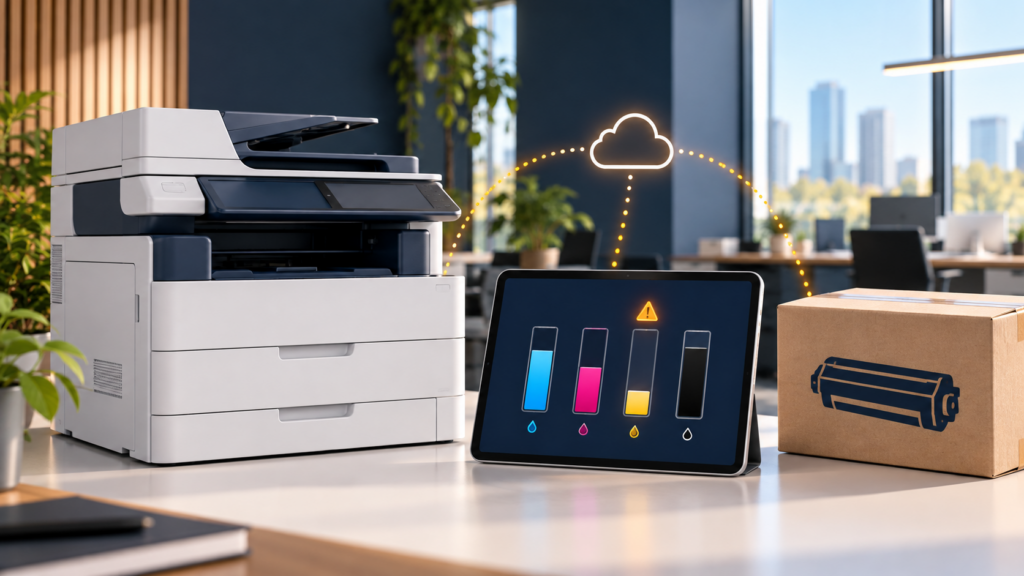
Automatic toner replenishment should reduce emergency supply orders, but it is not magic. It is a chain: a printer reports its toner level, monitoring software receives the data, a threshold triggers an action, the correct cartridge is matched to the device, and the shipment reaches the right person with enough time to install it. A gap anywhere in that chain can leave an office with less toner than expected.
The right response is not to abandon monitoring or fill a closet with spare cartridges. First, confirm what the device is reporting, whether the monitoring connection is healthy, and whether an order is already in progress. Then ask the managed print provider to find the point where the process stopped and correct it.
How automatic toner replenishment works
Remote printer monitoring can collect information such as device status, toner levels, meter readings, error alerts, and usage patterns. A managed print program can use that information to plan supplies rather than waiting for an employee to notice an empty cartridge.
Ricoh’s overview of remote printer monitoring explains that network-enabled devices send operational data to a centralized platform. It also notes that available detail can vary by printer brand and model. ECI’s description of an FMAudit customer implementation shows the same general pattern in practice: automatic meter collection, device monitoring, and replacement ordering reduce manual work.
That system still needs rules and human follow-through. A low-toner reading is not the same thing as toner appearing beside the printer. A dependable process connects monitoring, inventory, shipping, delivery confirmation, and escalation.
1. Confirm that the printer is still reporting
Start with the connection. If a network printer is offline, has moved to a different network, received a new address, or can no longer communicate with the monitoring service, its last known toner reading may be old.
Ask these questions:
- Does the provider’s dashboard show the printer as online?
- When was the last successful meter or supply-level reading?
- Did the device, firewall, internet connection, server, or monitoring agent recently change?
- Was the printer replaced, renamed, or moved to another office?
The screen on the printer may show a current warning even while the remote platform shows yesterday’s data. Comparing the device display with the provider’s most recent timestamp quickly separates a supply problem from a communication problem.
If several printers stopped reporting at the same time, look for a shared network or monitoring-agent issue. If only one stopped, focus on that device’s connection and record.
2. Compare the alert threshold with real usage
An automatic toner replenishment rule usually acts when a reported level crosses a threshold. The best threshold depends on how quickly the office uses toner and how much time is needed to process and deliver a cartridge.
Ricoh’s Intelligent Support guidance describes low-toner notifications that can be configured to alert users when toner reaches a specified amount. That illustrates an important point: the trigger must leave enough runway for the office’s actual demand.
A low-volume printer may take weeks to move through its final reported percentage. A busy accounting department, medical office, law firm, or public agency can consume the same amount during a deadline-driven print run. Sudden usage can outrun a threshold that normally works well.
Ask the provider to review recent volume, not just the current percentage. If usage has changed, the trigger or fulfillment plan may need to change with it.
3. Check whether an order already exists
Before submitting another request, find out whether the system already created an order. Duplicate toner can hide the real issue, create waste, and make future replenishment harder to understand.
Confirm:
- The order date and status
- The cartridge color and part number
- The printer model and serial number attached to the order
- The delivery address, department, and contact
- The carrier tracking number, if one exists
- Whether someone at the office already received or relocated the shipment
This is where a monitoring alert becomes a logistics process. The trigger may have worked correctly even though the package went to an old suite, a central receiving desk, a different branch, or an employee who did not know which device needed it.
4. Match the cartridge to the exact device
Offices often have several devices from the same manufacturer, and similar model names do not guarantee identical supplies. A toner cartridge can reach the correct building and still be unusable for the printer that needs it.
Use the model and serial number on the physical device, not only a nickname such as “front copier.” Compare that information with the provider’s asset record and the shipping label. If equipment was recently swapped, confirm that the retired device is no longer triggering orders and the replacement is enrolled in automatic toner replenishment.
Mixed fleets deserve extra attention because monitoring depth can vary by brand and model. The provider should document which devices report reliable supply levels, which use a different method, and which require a manual backup process.
5. Look for toner that is already on-site
A cartridge may be in the building without being visible to the person responding to the low-toner message. Check the designated supply location, receiving area, IT room, administrative office, and any unopened boxes near the device.
Keep on-site toner organized by printer or serial number. Avoid scattering supplies across desks or storing every cartridge in one unlabeled pile. A simple shelf label and a consistent receiving handoff can prevent an unnecessary emergency order.
Do not replace toner solely because a percentage looks low if the device has not asked for replacement and the provider has not advised it. Some printers estimate remaining supply rather than measuring every gram. Follow the model’s instructions, because changing a cartridge too early can waste usable toner.
6. Escalate the shortage with useful details
If the device is near empty and no usable cartridge is available, contact the provider before production stops. A clear request is easier to act on than “we need toner.”
Provide:
- Company name and exact site address
- Device model and serial number
- Toner color needed
- The warning displayed on the control panel
- Current approximate supply level, if shown
- Whether the device is still printing
- A photo of the screen or supply label, if requested
- Any urgent deadline or unusual print volume
ABS clients can use the online supply order form or call (850) 222-2308 when the situation is time-sensitive. If the printer reports an error in addition to low toner, the office may need a service call rather than another cartridge.
7. Ask for a root-cause review after the immediate fix
The emergency delivery is only the first part of a good response. The managed print provider should determine why the automatic toner replenishment process did not meet the office’s need.
A useful review should identify:
- The last reliable supply reading
- The threshold and date that should have triggered action
- Whether the printer and monitoring platform remained connected
- Whether an order was created, matched, shipped, and delivered correctly
- Whether recent volume exceeded the normal pattern
- What will change to reduce the chance of a repeat
The answer may be a repaired monitoring connection, an updated device record, a corrected delivery contact, a different alert threshold, or a defined manual check for a device that reports limited data. The best correction depends on what actually failed.
What a managed print provider should do next
Reliable automatic toner replenishment combines technology with ownership. Your provider should be able to show whether a device is reporting, explain what the alert triggered, trace the order, and give the office one clear next step.
When comparing managed print programs, ask:
- Which of our current printers can report toner levels accurately?
- How often does the platform receive device data?
- What happens when a printer stops reporting?
- How are alert thresholds set and reviewed?
- How do you prevent duplicate or incorrect shipments?
- Who confirms the shipping address and receiving contact?
- What is the escalation path when a cartridge will not arrive in time?
- How are device swaps, office moves, and network changes handled?
These questions reveal whether the program is merely collecting data or managing the entire supply process.
A practical office routine for preventing toner emergencies
Automation works best when the office gives it a small amount of support. Assign one supply contact for each location. Keep device records current. Tell the provider before a printer or network changes. Store delivered cartridges in one labeled place. During unusually heavy print periods, check the device level instead of assuming the normal timetable still applies.
The goal is not a large toner reserve. It is a visible, accountable process with enough lead time for normal delivery and a clear exception path.
Advanced Business Systems provides managed print services in Tallahassee and surrounding North Florida and South Georgia communities, including remote monitoring, toner supply, service, and fleet support. If your current process still depends on someone discovering an empty cartridge, complete the form below and ask us to review how your devices report, how supplies are triggered, and how exceptions are handled.
Request a Free On-Site Assessment
Frequently asked questions about automatic toner replenishment
Does automatic toner replenishment guarantee that a printer will never run out?
No system should be treated as an absolute guarantee. Automatic toner replenishment can greatly reduce manual ordering, but it depends on current device data, an appropriate trigger, correct asset and delivery records, available inventory, transit time, and office receiving. A managed print agreement should define the normal process and the exception path.
Why does the printer show low toner when no order appears in the portal?
The printer and monitoring platform may be showing information from different times, or the device may not have crossed the configured trigger when its last reading was received. Ask the provider for the most recent reporting timestamp, current supply reading, and alert status.
Should we keep extra toner for every printer?
Usually, large unmanaged stockpiles create waste, confusion, and obsolete inventory. A provider may recommend a limited on-site backup for a critical device, a remote location, or an office with unusual volume. Base that decision on documented risk and usage rather than keeping multiple cartridges for every machine.
Can remote monitoring see the documents we print?
Monitoring products and configurations differ, so review the exact platform and agreement. Typical fleet monitoring focuses on operational information such as meters, supply levels, device status, and error alerts. Ask the provider what data is collected, where it goes, how it is protected, and who can access it.
When should we call instead of waiting for the automatic process?
Call when the device says toner is empty or nearly empty, no usable cartridge is on-site, the shipment status is unclear, a deadline creates unusual volume, or printing has already stopped. Provide the model, serial number, toner color, screen message, and delivery location.