
AI Help Desk Explained: 6 Checks Before Changing IT Support
Learn what an AI help desk can do for IT ticket intake and device investigation, then check human handoffs, approval boundaries, data handling and pilot results.


Learn what an AI help desk can do for IT ticket intake and device investigation, then check human handoffs, approval boundaries, data handling and pilot results.
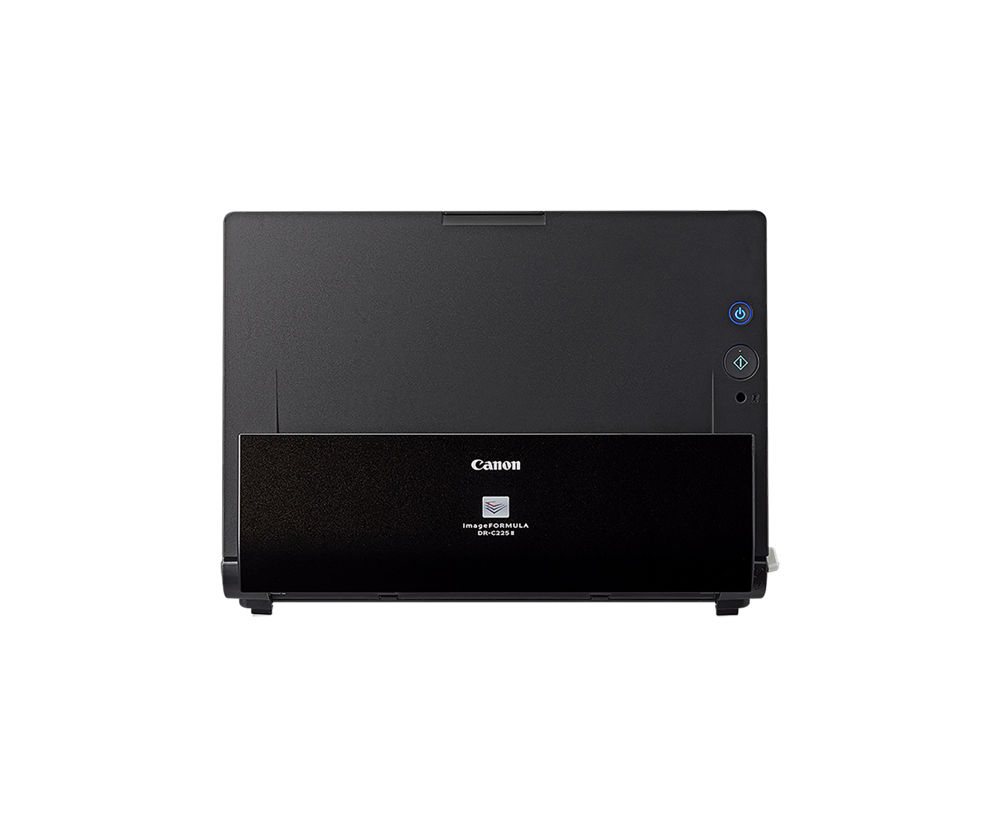
Medical front desk automation can help with reminders, intake, scanning and routing when integrations work. See what to test first, where people must review exceptions, and which privacy questions to ask.
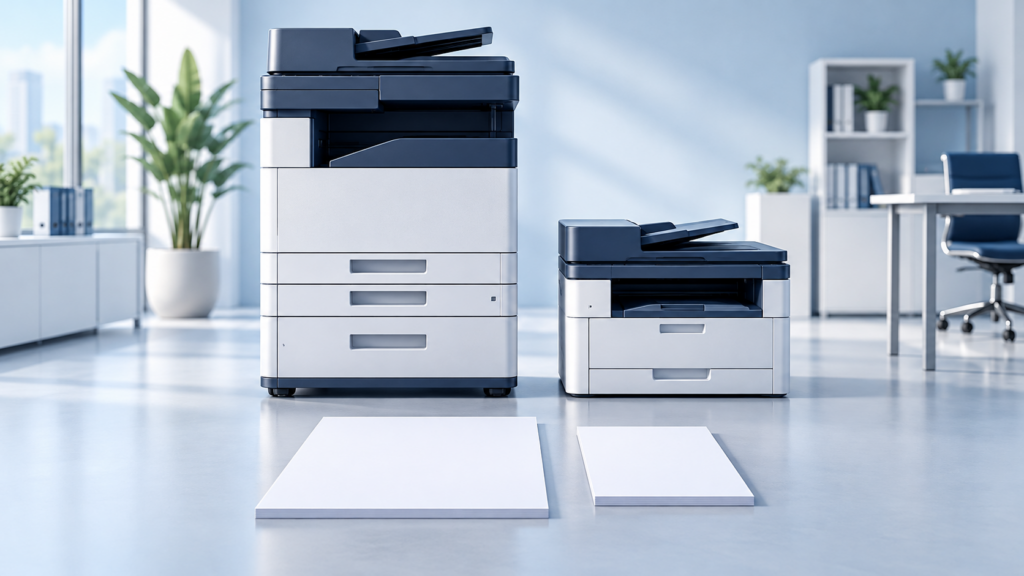
Use seven practical checks to compare A3 vs A4 copiers: paper sizes, peak demand, scanning, finishing, total cost, security and a real-work pilot.
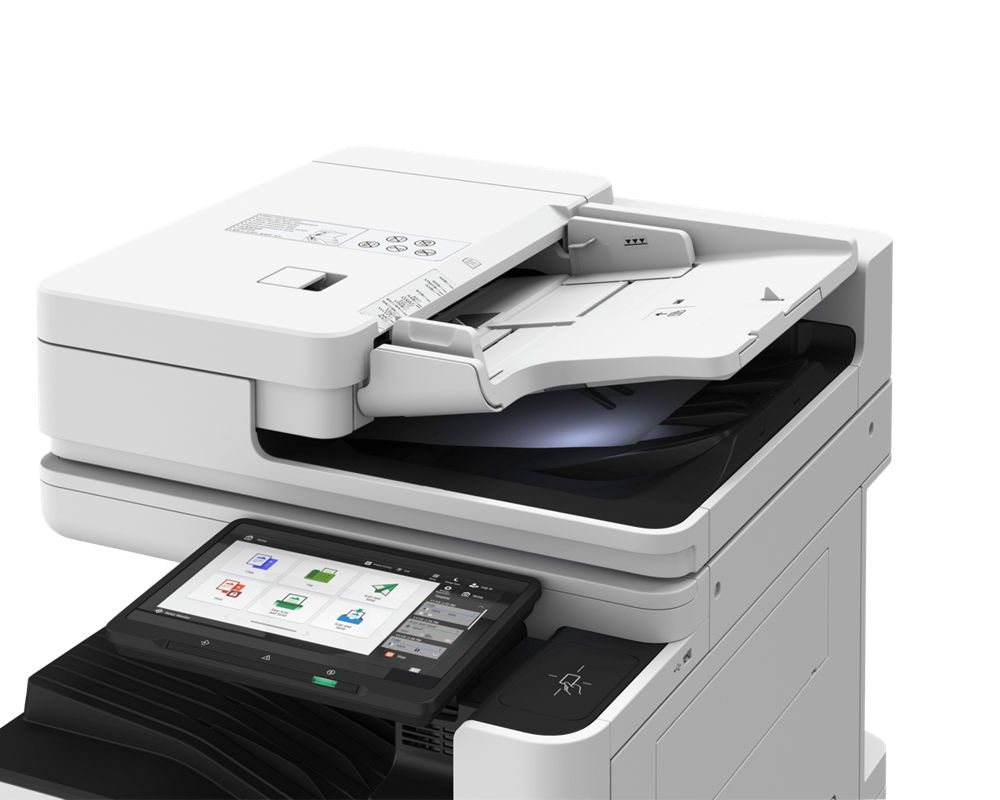
Plan law firm document scanning around approved destinations, access, review and support. Compare settings-only changes, integrations and dedicated scanners.
A powered laptop is not enough if the router or switch goes dark. Use seven checks to plan office battery backup around useful work, realistic runtime and a safe shutdown.
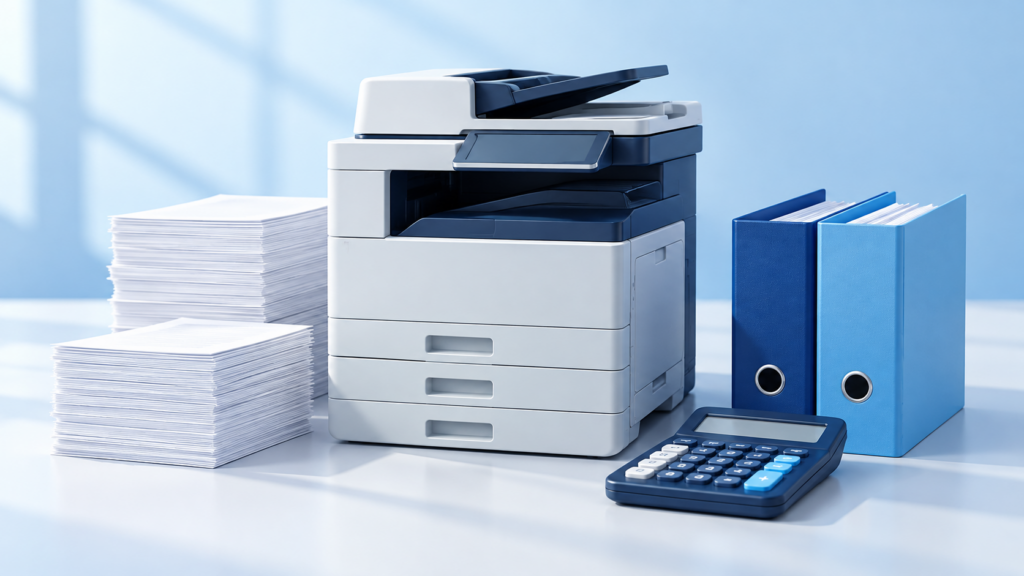
Print cost tracking supports allocation and approved billing—not automatic revenue. Review rates, account codes, reconciliation, privacy and a pilot first.
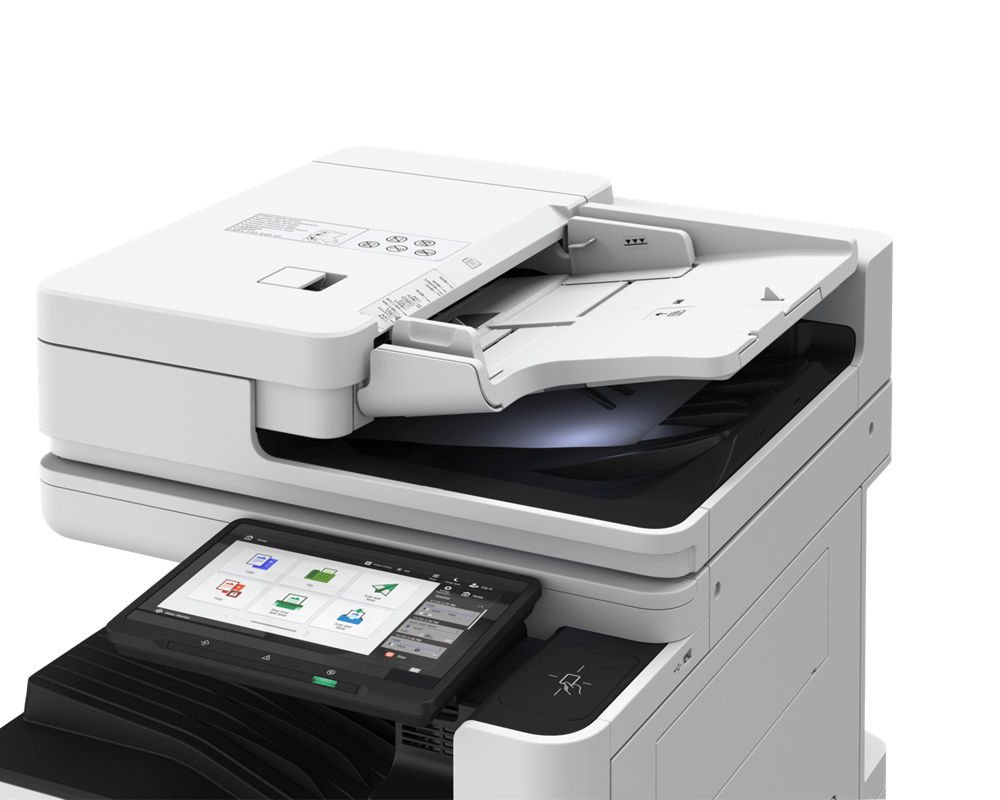
A practical medical office security checklist covering staff access, devices, copiers, paper, backups and vendor responsibilities, with risk-based reviews and clear next steps.
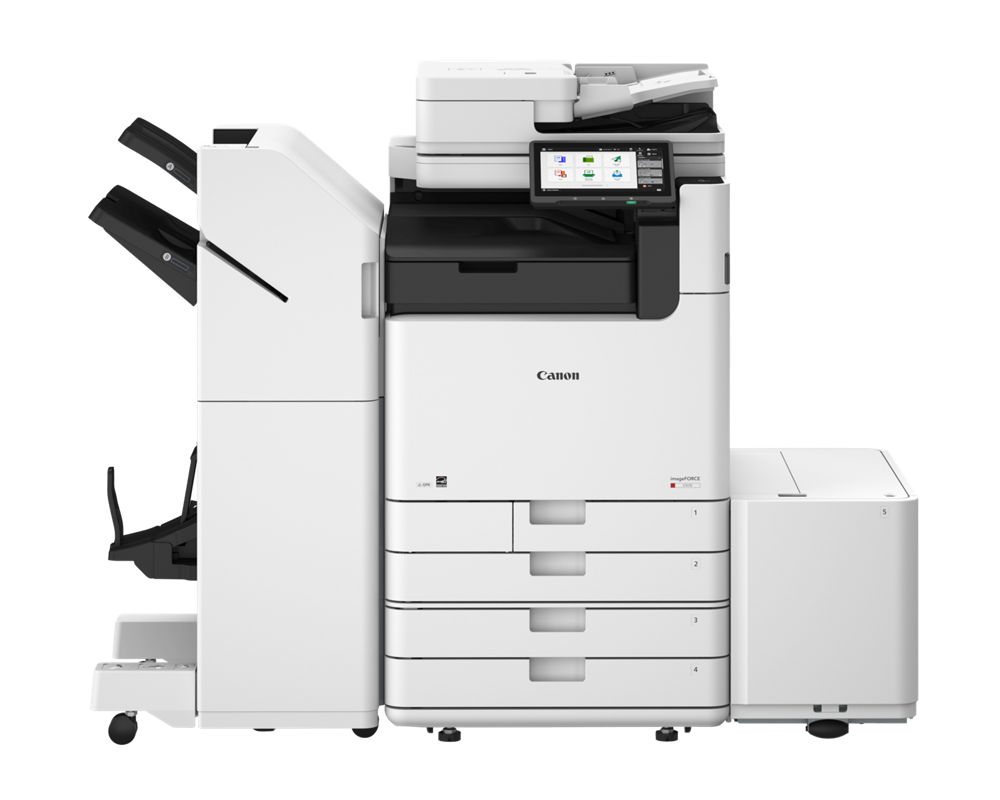
For North Florida and South Georgia colleges and universities: where print, scan and paper workflows quietly waste money, what modernization really costs, how Florida public institutions may buy through the NASPO contract, and seven practical first steps.
Kodak N2040 and N2050 network scanners differ in rated speed, but software, paper handling and routing matter too. Use this practical demonstration and acceptance plan before choosing a configuration.
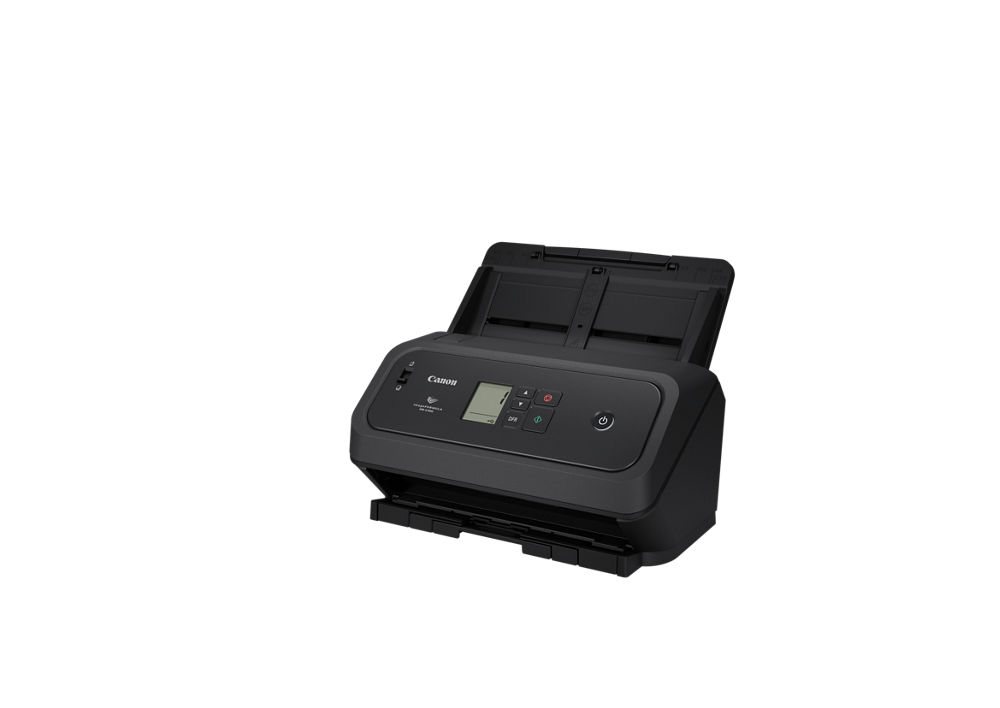
What Canon’s compact 50-ppm DR-C350 desktop scanner really does, how it compares with the DR-C340 and DR-C360, and when your copier’s scanner is already enough.