
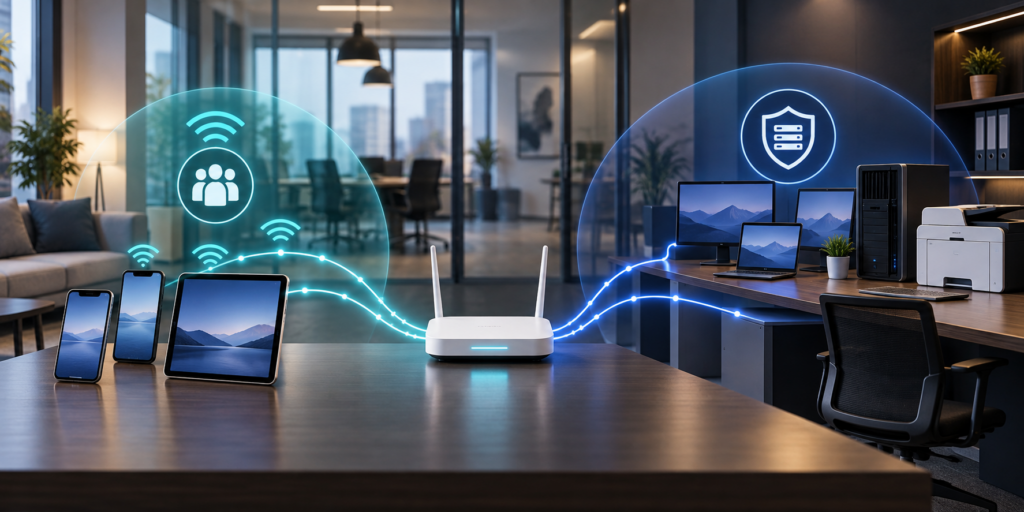
Yes. If customers, visitors, vendors, employees’ personal devices, or smart office equipment use your Wi-Fi, they generally should not share the same network as company-managed computers, servers, printers, phones, and systems that hold business data. A separate guest Wi-Fi network can reduce unnecessary access, but only when it is truly isolated. Creating a second network name without the right firewall or access rules does not provide the protection most owners expect.
The Federal Trade Commission’s current small-business cybersecurity guidance recommends limiting the primary business network to business-owned, operated, or managed devices. It specifically recommends a separate public network when guests, employee personal devices, or the public need Wi-Fi access.
For a ten-person office, the result may be properly configured guest Wi-Fi on a business-class firewall or wireless system. For a larger office, medical practice, law firm, or multi-location organization, the design may use virtual local area networks, or VLANs, with firewall rules and centrally managed wireless access points. The technology varies. The goal is the same: let untrusted or unmanaged devices reach the internet without giving them a path to internal business resources.
A Different Wi-Fi Name Does Not Prove Separation

Most people recognize a wireless network by its SSID, the name displayed when a phone or laptop searches for Wi-Fi. An office might show Company-Staff and Company-Guest as two choices. That looks separated, but the names alone do not tell you how traffic moves behind the scenes.
Both names can still lead to the same internal network if the router, firewall, switching, and wireless settings are not coordinated. A visitor may connect to the guest name yet still be able to see a copier, reach a network storage device, open a router login page, or discover other internal systems.
A properly designed guest Wi-Fi network has enforced boundaries. Those boundaries normally allow internet access while blocking connections to the business network and network-management interfaces. In some environments, client isolation also prevents one guest device from communicating directly with another guest device.
This distinction matters because a guest phone is not necessarily malicious. It is simply unmanaged. You do not control its updates, installed apps, security settings, or previous network exposure. Separating it follows the same practical principle as limiting a vendor’s access to only what the vendor needs.
Which Devices Belong Outside the Primary Business Network?
The primary business network should be reserved for devices the organization manages and trusts for business use. That commonly includes company computers, approved servers, managed printers and copiers, business phones, and authorized infrastructure.
Guest Wi-Fi or another restricted segment is a better starting point for:
- customer and visitor phones, tablets, and laptops;
- employee-owned devices that do not need internal business access;
- temporary vendor devices used only for internet connectivity;
- streaming devices, televisions, voice assistants, and similar convenience equipment; and
- internet-connected building or office devices that do not need to communicate with business systems.
Not every non-computer device should be placed on the same guest Wi-Fi network. Security cameras, door-access systems, medical devices, payment equipment, conference-room systems, and environmental controls may have specific communication, support, logging, or reliability requirements. They often belong on dedicated segments with carefully limited rules rather than on either the employee or public guest network.
The National Institute of Standards and Technology has explained that guest Wi-Fi features can provide a simple form of segregation for small-office and Internet of Things devices. NIST also notes that enterprise environments commonly use VLANs, routing rules, and access rules for more customized protection.
What Should Guest Wi-Fi Allow and Block?
For a typical office, guest Wi-Fi should allow users to reach the internet and little else. The exact policy depends on the business, but a reasonable review starts with these questions:
- Can a guest reach internal file shares, servers, or line-of-business applications?
- Can a guest open the administration page for the firewall, router, switches, or wireless system?
- Can a guest discover or print to business printers and multifunction devices?
- Can one guest device see or connect to another guest device?
- Can a device on guest Wi-Fi reach security cameras, phones, building controls, or backup systems?
- Is guest traffic logged, filtered, or limited in a way that matches the organization’s policy and privacy obligations?
Most answers should be no unless there is a documented business reason and a narrowly defined rule. For example, a conference room may need controlled access to a presentation system. That requirement should be handled deliberately rather than by opening the entire business network to every visitor.
The Cybersecurity and Infrastructure Security Agency says network segmentation can help contain an intrusion and limit an attacker’s lateral movement. Guest Wi-Fi is only one simple use of that broader idea, but it illustrates the value: a problem on one device should not automatically become a path to every other device.
Security Settings Still Matter on the Guest Side
Separation is not a substitute for basic wireless and equipment security. The FTC recommends securing the router, changing default administrative credentials, disabling unnecessary remote management, keeping the primary network limited to managed devices, and using WPA2 or WPA3 encryption.
For business guest Wi-Fi, review these items:
Use current encryption
Use WPA2 or WPA3 when supported by the equipment and devices involved. Older encryption methods should not be treated as adequate merely because a device still offers them. A qualified administrator should balance compatibility and security rather than turning protections off to accommodate one old device.
Keep administration off the guest network
A guest should not be able to open the firewall, router, access-point, switch, copier, or other management portal. Administrative access should be limited to authorized people and appropriate management paths.
Maintain the equipment
Wireless access points, firewalls, switches, and controllers need supported software and security updates. Record who monitors update notices, who approves changes, and what happens when hardware reaches end of support.
Use a separate credential and a sensible access process
Do not reuse the staff Wi-Fi password for guests. Change the guest Wi-Fi credential when it has been widely exposed or when business policy calls for rotation. Some managed systems can use time-limited vouchers, a captive portal, or different access methods. Remember that a captive portal by itself does not prove that wireless traffic is encrypted or that the guest network is isolated.
Control guest impact on business operations
Devices on guest Wi-Fi share internet capacity even when they cannot reach internal systems. Bandwidth limits or traffic-priority rules may help keep video streaming or large downloads from interfering with phones, cloud applications, backups, or other business services.
How Can You Test Guest Wi-Fi Without Disrupting the Office?
Do not reset the firewall or change live network rules merely to check a box. Schedule a controlled review with the person or provider responsible for the network. Document the current design before making changes and keep a recovery path for the existing configuration.
Then use an ordinary test device that is not enrolled as a company device:
- Connect it to the guest Wi-Fi and confirm that normal internet access works.
- Confirm that it cannot reach known internal file shares, servers, printers, cameras, or management pages.
- If client isolation is required, use a second guest device to confirm the two devices cannot discover or connect to one another.
- Verify that business phones and cloud applications continue to work normally while guest Wi-Fi is in use.
- Check that the wireless system, firewall, and monitoring tools identify the test connection as guest traffic.
- Record the result, the date, and the person who performed the test.
Repeat the test after firewall replacement, wireless upgrades, office moves, major configuration changes, or the addition of new device categories. Include guest Wi-Fi in the organization’s periodic network review instead of treating it as a one-time setup.
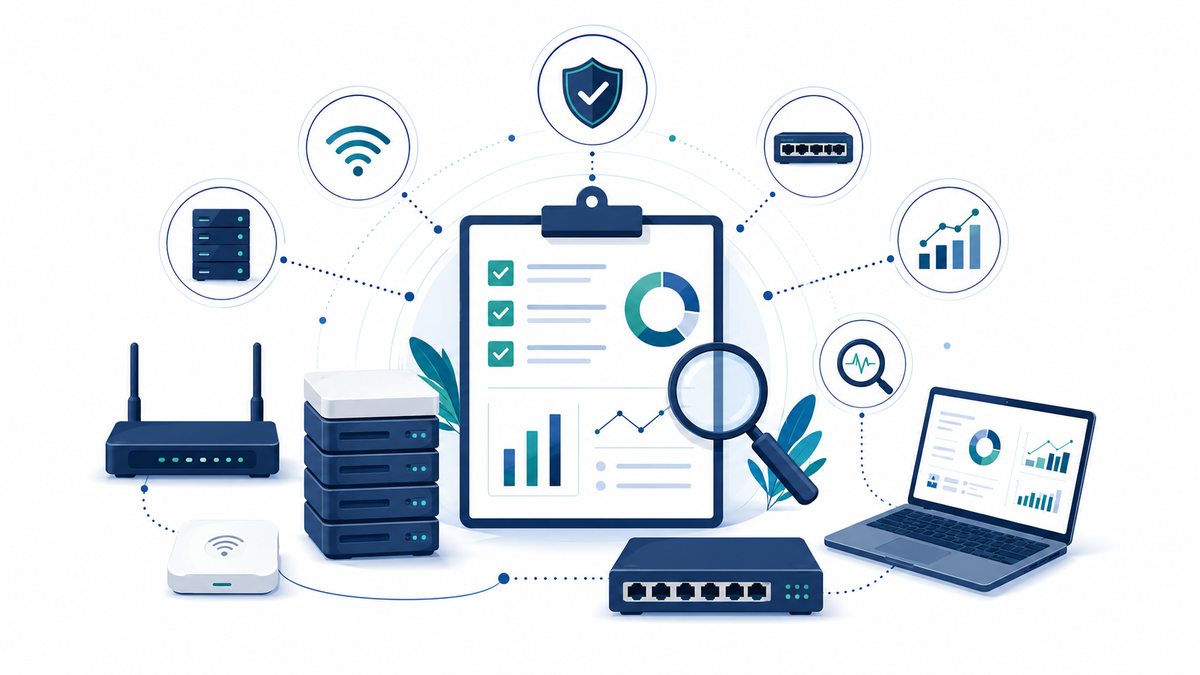
An ABS network assessment can help document which devices and networks exist, how traffic is separated, and where a configuration has drifted from the intended design. Ongoing network monitoring is also important because wireless access points, switches, and firewalls can fail or fall out of support even when employee laptops appear healthy.

When Is Basic Router Guest Wi-Fi Not Enough?
Built-in guest Wi-Fi may be reasonable for a very small office with one device and simple requirements. It may not be enough when the office has several access points, multiple floors or locations, separate departments, shared printers, VoIP phones, security cameras, regulated data, payment systems, or equipment that needs limited internal communication.
Those environments often need business-class wireless management, VLANs, firewall policies, and documentation that covers the full path from the access point through the switches and firewall. The design should also account for cloud-managed portals, administrator roles, configuration backups, logging, and vendor handoff.
Do not assume that network separation creates compliance. A medical practice still needs a risk analysis and safeguards appropriate to its systems and protected information. A law firm still needs to evaluate confidentiality obligations. A business accepting payment cards still needs to determine which systems and networks are in scope for the standards and agreements that apply to it. Guest separation is a useful control, not a certificate or guarantee.
A Practical Next Step for Tallahassee and South Georgia Offices
Ask one simple question: if a visitor connects to the guest Wi-Fi today, what can that device reach besides the internet? If nobody can answer with documentation and a recent test, the network deserves a review.
Advanced Business Systems provides managed IT and network services from Tallahassee for organizations across North Florida and South Georgia, including Thomasville. ABS can help inventory wireless equipment, review segmentation, document administrator and recovery access, and plan a controlled test based on the office’s actual devices and workflows.
If your staff, guests, printers, phones, cameras, and smart devices have gradually accumulated on the same network, contact ABS to discuss a network assessment. Start with visibility and a safe plan before changing production settings.
Frequently asked questions
Does guest Wi-Fi require a second internet connection?
Usually not. A properly configured guest network can share the same internet service while using separate network segments and firewall rules. The important question is whether guest traffic is prevented from reaching protected business resources.
Is creating a second Wi-Fi name enough?
No. A different SSID is only a label. The router, firewall, switches, and wireless system must enforce the intended separation, and the result should be tested from a guest device.
Should smart office devices use the guest network?
Sometimes, but a dedicated Internet of Things or facilities segment may be better. Devices such as cameras, door controls, conference systems, and medical equipment can have special communication and support needs that do not fit a public guest network.
Should the guest network have a password?
For most offices, encrypted and controlled guest access is preferable to a completely open network. The appropriate method may be a separate passphrase, vouchers, or a managed portal. A portal alone does not necessarily provide encryption or network isolation.
Can guest Wi-Fi slow down business applications?
Yes. Separate networks can still share the same internet connection. Bandwidth controls and traffic priorities can keep guest use from interfering with business phones, cloud applications, backups, and other important services.