
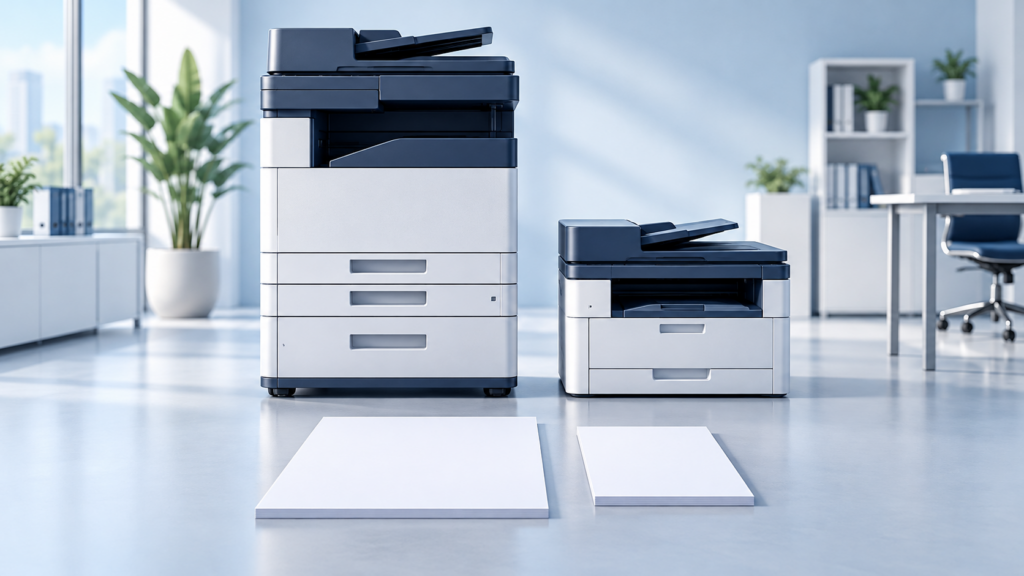
Short answer: the A3 vs A4 decision starts with the largest paper you need to produce, but it should also account for peak workload, scanning, finishing, service and total cost. An office that only prints letter and legal may not need a larger copier. An office that regularly produces 11-by-17-inch documents may benefit from an A3-class device. Neither choice is automatically cheaper to operate.
Use these seven checks to compare actual configurations rather than choosing by machine size or a salesperson’s monthly-payment example. The aim is a reliable workflow, not the biggest box in the room.
1. A3 vs A4: Confirm the Actual Paper Sizes
A3 and A4 are ISO paper sizes: A3 is 297 by 420 mm, approximately 11.7 by 16.5 inches; A4 is 210 by 297 mm, approximately 8.3 by 11.7 inches. U.S. letter, legal and 11-by-17-inch tabloid are different sizes. In the U.S. copier market, the labels commonly distinguish larger-format devices from letter/legal-focused equipment.
Do not assume that a machine’s maximum size equals the ISO sheet named in its class. Some A3-class copiers support 12-by-18-inch or larger media; supported sizes may differ between trays, bypass feeding, duplex printing and scanning. Ask for the exact specifications and test the paper source you will actually use.
For a concrete comparison, Canon lists output up to 8.5 by 14 inches for its imageFORCE C611 Series. Canon’s A3 imageFORCE announcement illustrates the separate larger-format product class. These are specification examples, not a promise of current stock, contract coverage or a recommended configuration.
2. Measure Peak Demand, Not Just Monthly Totals
A3 vs A4 is not a substitute for capacity planning. A departmental A4 device may have substantial speed and paper capacity, while an entry-level A3 machine may still be a poor choice for a demanding workroom. Compare the manufacturer’s recommended operating volume, paper capacity and finishing workload for each proposed model.
Review a representative month of meter readings and job history, then identify the busiest hour or day. A school preparing classroom packets, an accounting firm closing a reporting period and a department producing meeting materials can have very different peak needs despite similar monthly totals.
Count interruptions, queues and staff walking time as well as pages. Ask whether one shared machine creates a bottleneck or a single point of disruption. A mixed fleet can make sense, but extra devices also bring supplies, administration and service responsibilities.
3. Test Scanning Separately from Printing
The A3 vs A4 output label does not tell you whether a feeder handles your originals well. Bring representative forms, receipts and two-sided documents to a demonstration. Check the supported original sizes, feeder capacity, duplex scanning, image quality and exception handling.
Test the complete destination, not just the scan button: can authorized staff send a document to the approved folder or application, find it afterward and apply the correct access restrictions? OCR, document capture and cloud connectors may involve separate software or licenses. A dedicated scanner can be a better answer to an intake problem than replacing the office copier.
4. Match Finishing and Larger Documents to Real Jobs
Tabloid spreadsheets and folded booklets can justify larger-format output. However, blueprints, site plans and posters do not all fit on 11-by-17-inch paper. Full-size drawings or specialist graphics may require a wide-format printer or an outside print provider rather than an A3 copier.
Bring a sample of the finished job. Verify stapling positions, booklet sheet limits, hole punching, paper weight, duplex support and output capacity on the quoted configuration. Available accessories are not the same as included accessories. Also check doors, delivery access, electrical requirements and clearance for opening trays and servicing the device.
5. Compare A3 vs A4 Total Cost on Equal Terms
Ask for written proposals covering the same expected usage and operating period. Separate equipment financing or purchase price from service, software and usage charges. Compare black-and-white and color rates, minimums, included pages, overages, escalation, supplies, exclusions, installation, training and end-of-term obligations.
A smaller device does not guarantee a lower cost per page, and a larger one does not automatically pay for itself in saved time. Include outsourced jobs and realistic staff handling time in the comparison, without assigning speculative savings to every minute. Our pricing guide explains the major cost drivers.
Ask which supplies are covered and how replenishment works. Remote monitoring can help, but the agreement should also explain what happens when a device disconnects or a shipment is delayed. Read the service commitment rather than assuming that a low monthly payment includes everything.
6. Check Security, Integration and Support
Neither side of the A3 vs A4 comparison is inherently secure. Confirm the exact model’s authentication, secure release, encryption, update support and storage-sanitization options. Test staff badges and print-management software with the proposed device, current computers and actual network configuration.
Evaluate scanning permissions, address-book access and who can change administrative settings. When equipment leaves the site, document manufacturer-supported sanitization and the responsible party. A feature on a brochure is not a substitute for enabling it, testing it and assigning ownership.
Clarify support coverage, escalation, parts availability and a fallback printing location. Response time is different from restoration time. These questions matter whether you select a compact departmental device or a larger shared copier.
7. Run a Small Pilot Before Approving the Fleet
Make the A3 vs A4 decision with a short test plan. Use normal staff, representative files and the proposed driver or print workflow. Include a large spreadsheet, a two-sided packet, a scan to an approved destination and a confidential job released at the machine.
- Confirm required paper sizes and finishing without manual workarounds.
- Measure queue and handling time during a realistic busy period.
- Check output legibility, scanning accuracy and destinations.
- Verify authentication and any accounting-code prompts.
- Record problems, required options and who will resolve them.
Compare the results against the written quote before committing. If tabloid output is rare, A4 plus occasional outsourcing may fit. If larger jobs are frequent and the tested workflow performs well, an A3 configuration may be appropriate. Decide from evidence rather than industry stereotypes.
Florida Public-Sector Purchasing Needs Another Check
For eligible Florida public buyers, the A3 vs A4 choice is only one part of procurement. NASPO ValuePoint’s multifunction-device portfolio distinguishes A3 and A4 categories and directs buyers to confirm participating-addendum eligibility and follow local procedures. Category coverage does not establish coverage of every Canon model, option or service.
Use ABS’s Florida public-sector purchasing page as a starting point, then have purchasing confirm the current documents, authorization and ordering requirements. Do not assume the same Florida purchasing route applies to a Georgia organization.
Frequently Asked Questions
Can an A3-class copier also print letter and legal?
Many can, but verify the actual trays, paper types, duplex operation and finishing. The larger class label does not establish every supported combination.
Is an A4 machine always slower or cheaper to run?
No. Compare model-specific throughput and written operating costs. Paper-size class alone does not determine speed, reliability, scan performance or cost per page.
Should every office have one shared A3 copier?
No. Consider tabloid demand, staff locations, queues, accessibility and business continuity. A shared device, a mixed fleet or smaller devices with occasional outsourcing can each be reasonable.
Get Help with Your A3 vs A4 Comparison
Advanced Business Systems is based in Tallahassee and serves North Florida and South Georgia, including Thomasville. We can review paper sizes, workload, placement and workflow before preparing a configuration-specific proposal. Call (850) 222-2308 or request a free on-site assessment below. For an equipment shortlist, request a configuration-specific quote.