
Quick answer: Accounts payable automation uses scanning, data capture and approval software to move vendor invoices from the mailbox or inbox into your accounting system with less retyping and fewer lost papers. For most small offices, the realistic first step is capturing every invoice in one place and routing it for approval. It does not replace your accounting system or the person who decides what gets paid, and an office paying a handful of bills a week may not need it.
Advanced Business Systems (ABS) is a family-owned office technology company in Tallahassee that has served North Florida and South Georgia since 1984. We sell and service the Canon scanners and multifunction devices where invoice capture usually starts, and we support CPA firms, associations, medical offices and local businesses with managed IT and managed print. This guide is for owners, office managers, bookkeepers and the CPA firms who advise them. It covers what can be automated, what it costs to start, and when a simpler fix is enough.
Where Do Your Invoices Actually Arrive?
Every accounts payable automation project starts at the front door, and most small businesses have several front doors. Paper invoices still come through the mail. Others arrive as PDF attachments sent to whoever placed the order. Some vendors post bills only in their own web portal, and a few larger suppliers send structured electronic invoices. Employees hand in receipts and delivery slips, too.
Paper trays, personal inboxes and vendor portals can each hide an invoice from the person responsible for approval. Assign an owner to each intake channel before adding software.
Before you look at any software, count what arrives through each channel during one normal month. Write down how many invoices came by mail, by email, through portals and as receipts, and how many approvers touched them. That single exercise tells you more about whether accounts payable automation will pay off than any product demonstration will.
What Does Accounts Payable Automation Actually Do?
Accounts payable automation commonly follows five stages. Ask the provider to demonstrate each stage and its exception handling.
1. Capture
Paper invoices are scanned, either on a multifunction copier or on a desktop document scanner at the bookkeeper’s desk. Email invoices are pulled automatically from a shared AP mailbox. Capture also means giving every document a consistent file type and name, so nothing depends on someone remembering where they saved it.
2. Read and Check
Capture software reads the invoice and pulls out key fields such as vendor, invoice number, date, total and purchase order number. Newer intelligent document processing tools can handle layouts they haven’t seen before, but they still stumble on faded scans, handwritten notes and long statements. Good systems flag low-confidence fields for a person to confirm and check for duplicate invoice numbers before anything moves forward.
3. Route for Approval
Rules send each invoice to the right approver based on vendor, department, location or dollar amount. The approver reviews it on a screen or phone and approves it, rejects it or asks a question. The system records who approved what and when, which is the audit trail a paper file rarely provides.
4. Match
A two-way match compares the invoice with the purchase order. A three-way match adds the receiving record, confirming you were billed for what you ordered and actually received. Matching is powerful, but it only works if your business issues purchase orders and records deliveries consistently. For invoices without purchase orders, define an alternative review: confirm the authorized purchase, receipt of goods or services, coding and amount before approval.
5. Post and Archive
Approved invoice data is exported or synced to your accounting system or ERP, ready for your normal payment run. The invoice image and its approval history are stored where staff, auditors and your CPA can search for them later, instead of in a filing cabinet that only one person understands.
How Much Does Accounts Payable Automation Cost to Start?
There’s no honest single number, because the price depends on invoice volume, the number of approvers and how deeply the system has to connect to your accounting software. What we can tell you is where the money goes, so you can read a proposal with clear eyes.
- Capture hardware. Your current multifunction device may already scan well enough. Compare the full hardware and software costs rather than assuming one is negligible.
- Software licensing. Ask whether pricing is based on users, documents, pages, storage or a combination, and what happens above the included volume.
- Setup and integration. Building approval rules, teaching the software your vendors and connecting it to your accounting system is usually a one-time services charge. Integration is where scope tends to grow.
- Training and staff time. Agree on a pilot and cutover plan. Track one authoritative payment status so parallel processing does not create duplicate payments.
- Ongoing support. Ask who you call when an export fails or a vendor changes its invoice layout.
Ask for a written, itemized proposal that separates one-time charges from recurring ones, states the included document volume and the price above it, and names exactly which accounting system and version the integration supports. If a proposal can’t tell you what happens when you exceed a volume tier, get that answer in writing before you sign.
Check whether your existing accounting platform provides suitable bill capture and approval before buying another system. Test its permissions, export and exception handling.
When Should a Small Office Not Bother?
We’d rather tell you this now than after a contract is signed. Accounts payable automation software may not be worth adding yet if any of these describe your office:
- One person handles every bill in a few hours a week, and nothing is getting lost.
- Most vendors are on autopay or company cards, so there are few invoices to process.
- You don’t have consistent approvers or coding rules. Software will automate the confusion, not fix it.
- You’re about to change accounting systems. Wait, then pick a tool that connects to the new one.
- Nobody on staff has time to own the setup during the first month.
In those cases, start smaller: a shared AP inbox, a daily scanning routine for mail, consistent file names and a simple approval email. Revisit full accounts payable automation when your volume, locations or number of approvers grows.
What Are the Risks?
Payment Fraud Can Move Faster, Too
Fake invoices and vendor bank-change requests can reach a business through legitimate-looking messages. The FBI Internet Crime Complaint Center recommends verifying account-information changes through a separate channel. Automation should preserve that check. An approval trail records decisions; it does not establish that the vendor or bank details are genuine.
Build controls into the workflow before go-live: duplicate-invoice checks, approval limits by dollar amount, a separate approval for any new vendor, and a rule that bank-detail changes are confirmed by phone using a number already on file, never one from the email. Our guide to email security for small businesses covers the inbox side of this risk.
Reading Errors and Exceptions
Data extraction is good, not perfect. Plan for a review queue where a person confirms flagged fields, and test with your messiest real invoices before you commit, not just the clean samples in a demonstration. Ask how the system learns from corrections and who maintains vendor templates over time.
Records, Retention and Security
An accounts payable automation archive holds bank details, tax forms and vendor contracts, so it needs access controls, multi-factor sign-in and backups like any other sensitive system. The IRS says to keep records that support income, deductions or credits until the period of limitations for that return runs out, which is often three years and longer in some situations. Before you shred paper originals after scanning, confirm with your CPA that your scanned records meet your needs.
MFP, Desktop Scanner or Capture Software: Which Fits?
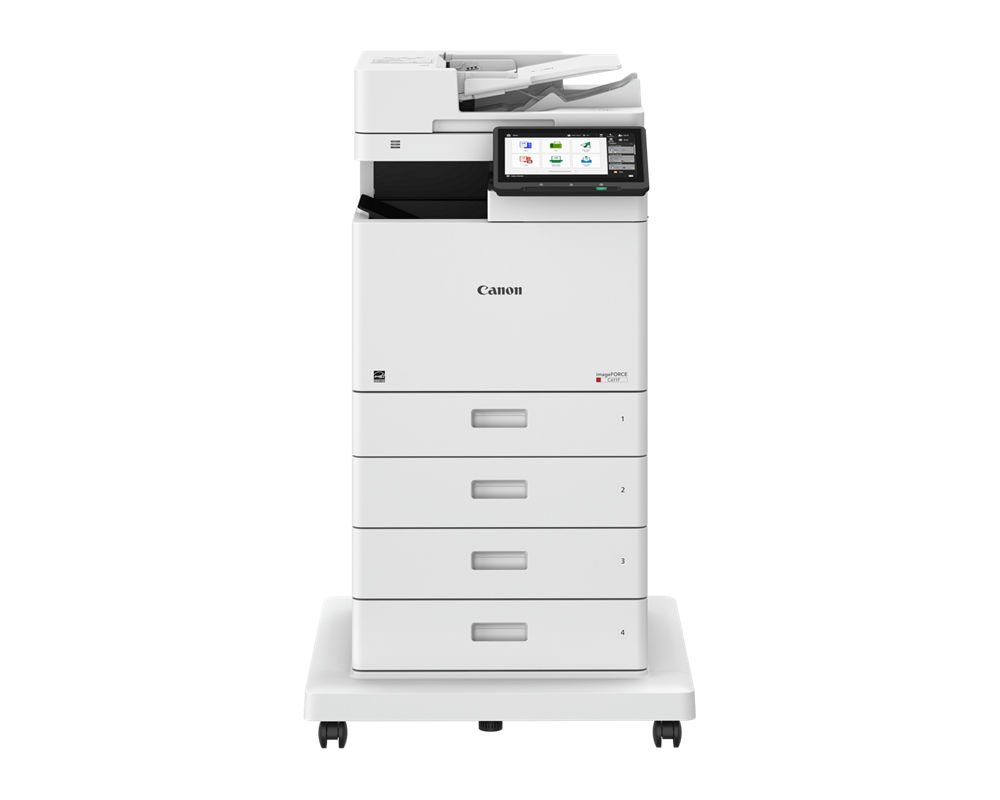
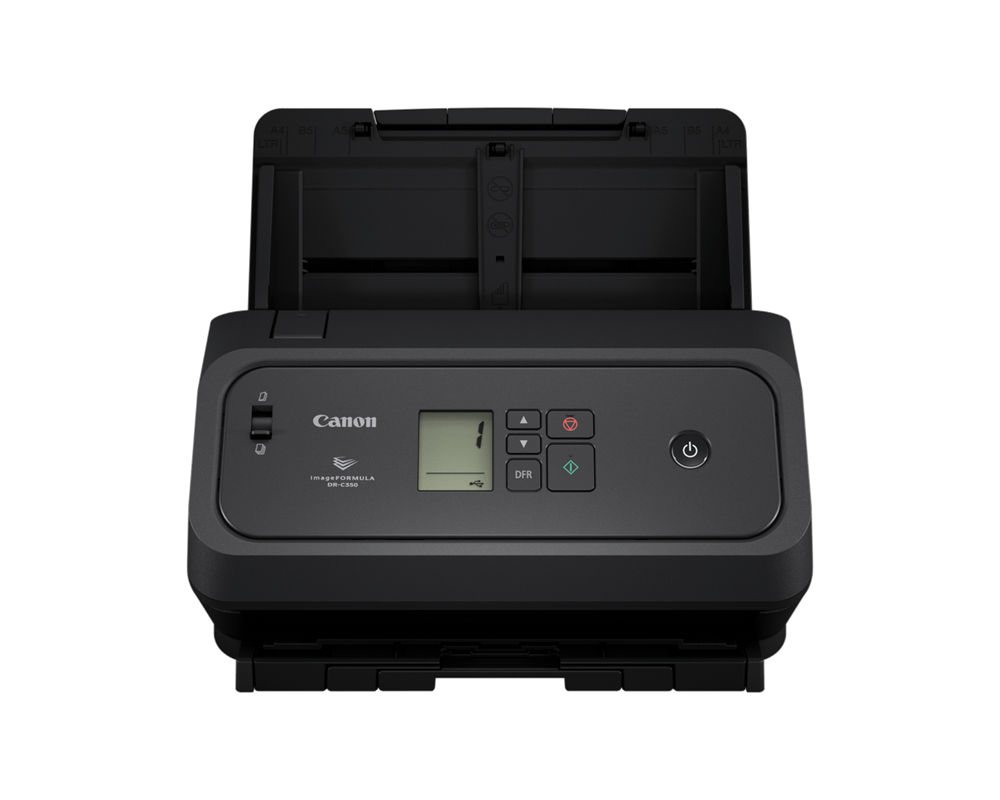
Start with the scanning equipment you already have. A shared multifunction device may suit occasional invoices; a desktop document scanner can keep the mail batch near the AP desk. Test image quality, double-sided pages and the approved destination with representative documents before choosing hardware.
Ask ABS to scope capture and workflow requirements, then obtain a written proposal identifying the product, licensing, supported accounting-system version, integrations and support. A product demonstration does not establish compatibility.
Test the full path using redacted or synthetic invoices, from capture to accounting export and retrieval. Include rejected and duplicate invoices. Our Canon scanner overview and workflow automation guide discuss the equipment and process decisions.
7 Steps to Start Accounts Payable Automation the Smart Way
- Count invoices by channel for one normal month: mail, email, portals and receipts.
- Map the current path. Write down who opens, codes, approves, enters and files each invoice.
- Clean the vendor list. Merge duplicates, retire inactive vendors and confirm tax forms are on file.
- Start with one channel and one rule set, such as scanned mail plus a shared inbox, routed by dollar amount.
- Test with real invoices, including faded, handwritten and multi-page ones, before you commit.
- Set controls before go-live: approval limits, duplicate checks, bank-change callbacks, user permissions and retention rules.
- Measure after 60 to 90 days. Track approval time, late fees and exceptions, then decide whether to expand. Treat this review interval as a planning choice, not a promised payback date.
That order is deliberate. The first three steps establish whether the process needs new software and what the implementation must handle. They also make any later project faster, because the provider isn’t guessing how your office works.
ABS is based at 1236 N. Monroe St. in Tallahassee and works with businesses across North Florida and South Georgia, including Thomasville. If you’d like a second set of eyes on how invoices move through your office, request a free on-site assessment. We’ll look at how bills arrive, the scanning equipment you already have, and whether accounts payable automation makes sense now or later. Or call us at (850) 222-2308.
Request your free on-site assessment
It takes about a minute. Only your name, email and phone are required.
Free, with no obligation. We use your information to arrange your visit, and we never sell, rent or share it with third parties for marketing. Someone from ABS will contact you to confirm the details.
Frequently Asked Questions
What is accounts payable automation?
It’s the use of scanning, data capture and approval software to move vendor invoices from arrival to your accounting system with less manual entry and a searchable record. It doesn’t replace your accounting system or the person who decides what gets paid.
Do we need purchase orders to automate AP?
No. Three-way matching needs purchase orders and receiving records, but capture, approval routing and archiving work for invoices without them. Many small businesses start there.
Can we shred paper invoices after scanning?
Possibly, but confirm with your CPA first. The IRS says supporting records must be kept until the period of limitations for the return expires, and your advisor can tell you whether scanned copies meet your needs.
Does ABS sell AP software?
ABS can assess scanning and document workflow needs. Ask for written confirmation of the software, licensing, supported integration and services proposed; your accountant remains responsible for accounting policy and payment controls.
Related Resources from ABS
- Copiers and IT for CPA Firms
- Workflow Automation: 5 Smart Ways to Transform Your Office Document Flow
- DocuWare IDP Licensing: New Models Every Business Should Understand
- Canon’s Award-Winning imageFORMULA Scanners: Which One Fits?
- Canon DR-C360 Scanner Upgrade Guide
- Request a Free On-Site Assessment
Sources and verification: Fraud-control guidance: the FBI Internet Crime Complaint Center business email compromise guide. Recordkeeping: the IRS page How long should I keep records? These are general reference points, not a complete accounting or legal retention policy. Verify software features, licensing and integrations in a current written proposal.